 WhisperShortcut
Press a key. Speak. It's typed.
WhisperShortcut lives in your Mac's menu bar. Dictate into any app, rewrite text by voice, and chat with Gemini, GPT, Grok, or Claude. Or keep everything on your Mac with offline Whisper.
14.99 € once, no subscription, no account. Needs macOS 15.5. Also free from source: direct download or GitHub.
Hi Sarah, thanks for the notes. Thursday at three works for me, I will bring the draft.
What it does
- ⌃⌥1
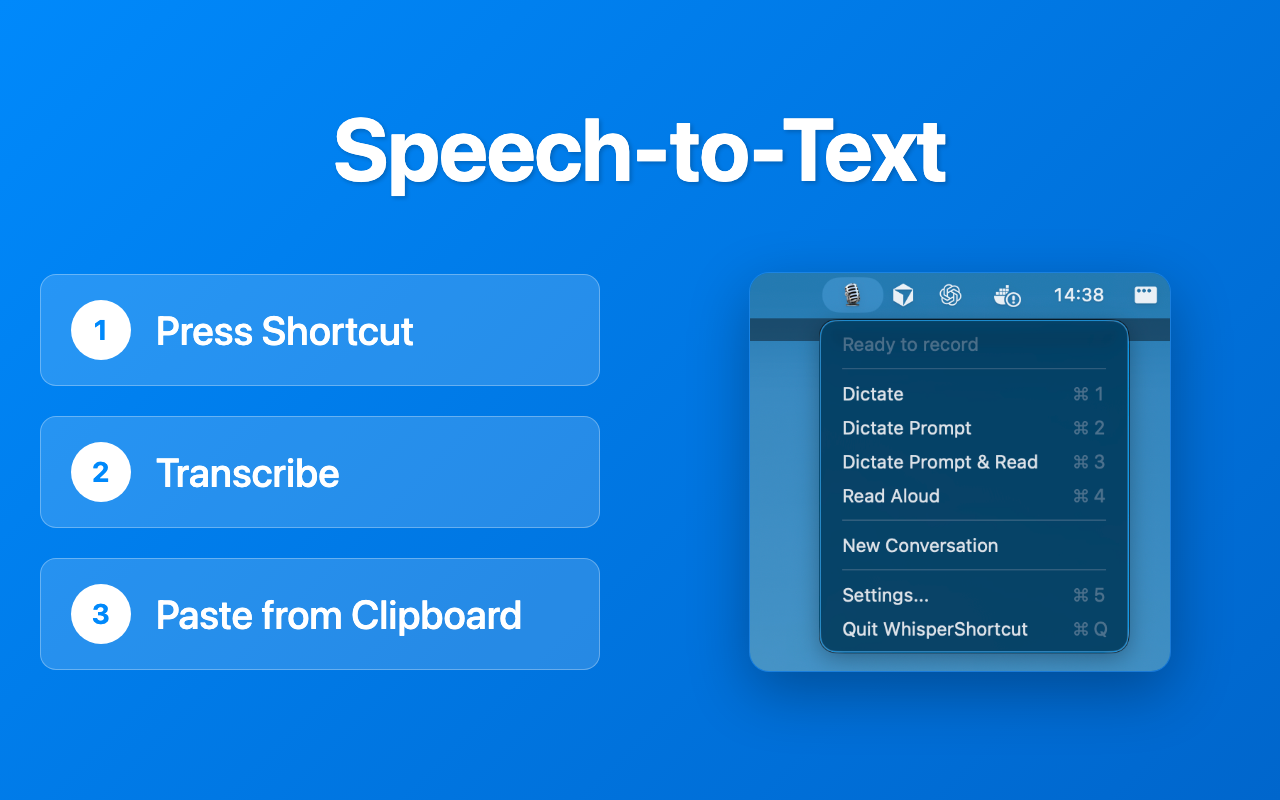
Dictate into any app
Speak, and the text lands where your cursor is: an email, a chat, a document, a prompt. Transcribe with Gemini, GPT, Grok, any audio model on OpenRouter, or Whisper on your Mac.
- ⌃⌥2
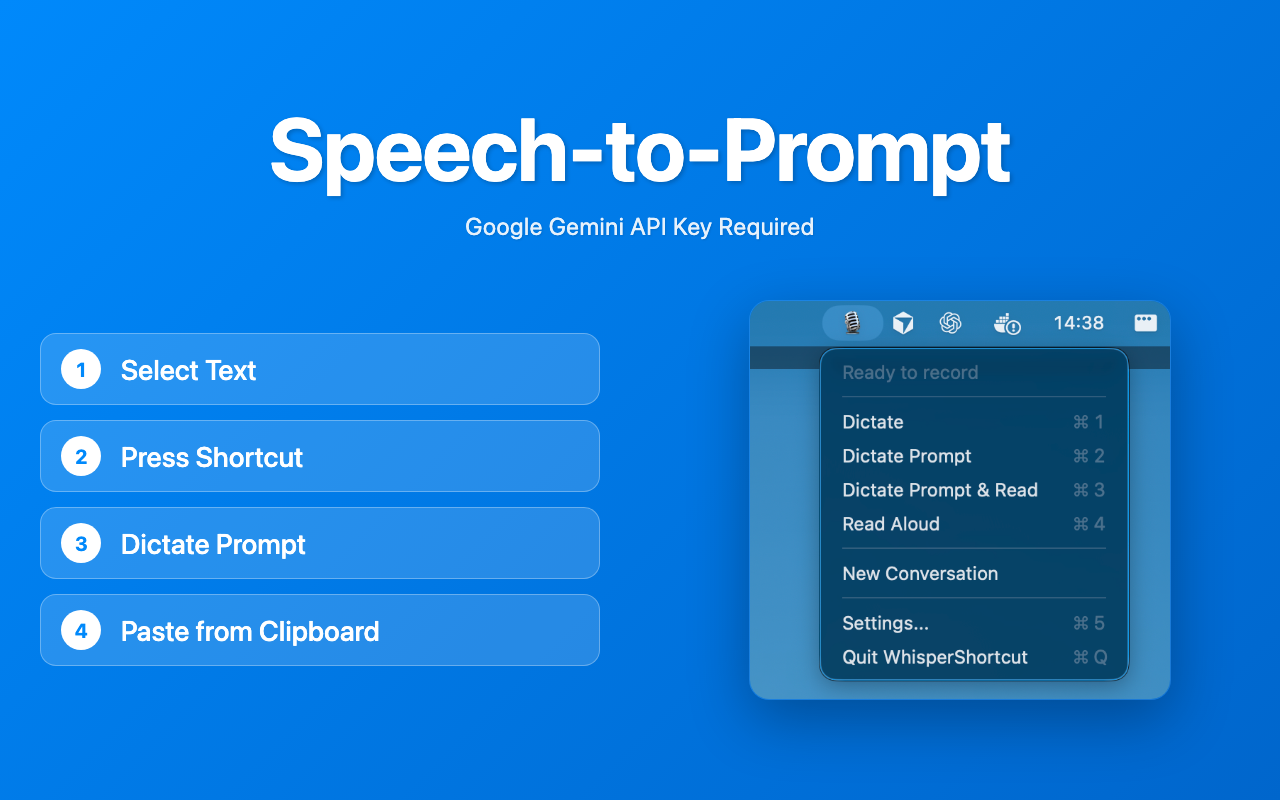
Rewrite text by voice
Copy a paragraph and say what should change: shorter, friendlier, in English, as a bullet list. The result is ready to paste.
- ⌥Space
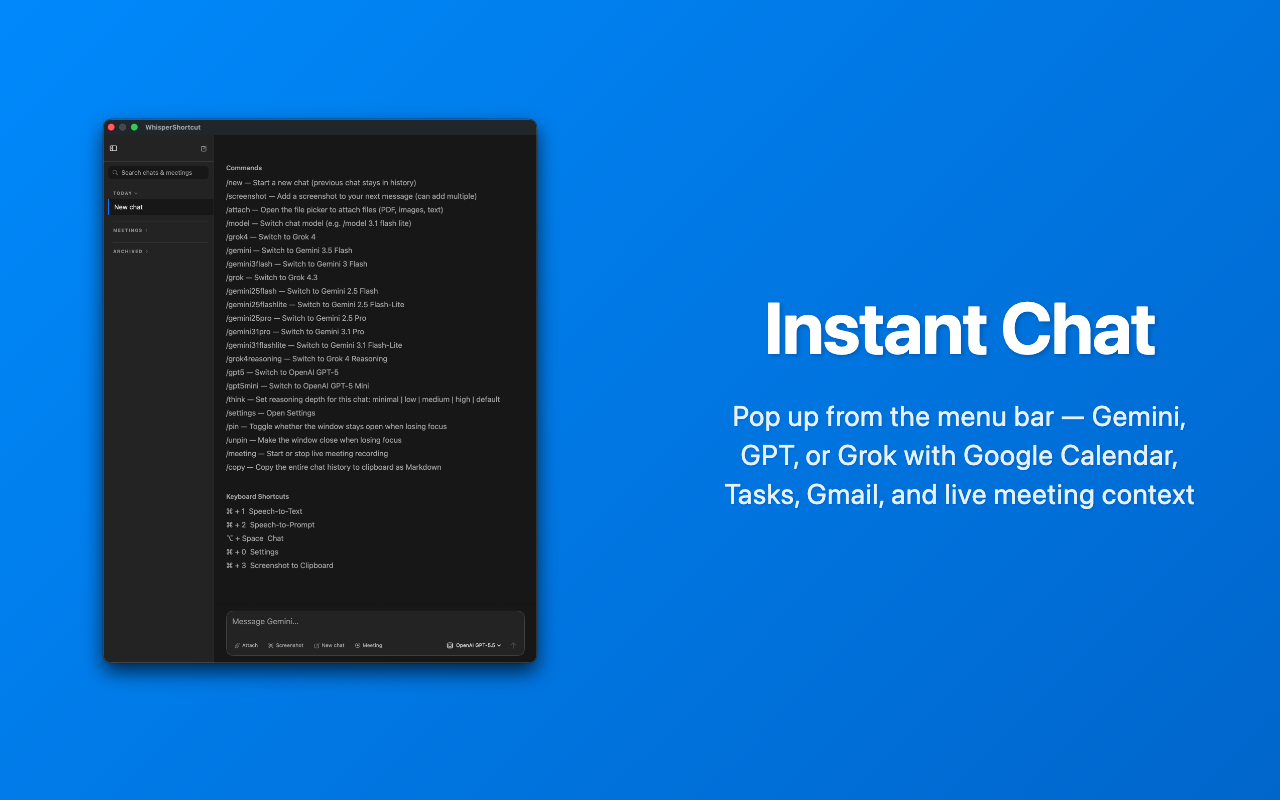
Chat from the menu bar
Ask Gemini, GPT, Grok, or Claude without switching windows. Share a screenshot, a folder, your calendar or Trello, or take live notes while a meeting runs.
- ⌃⌥4
Hear any text read aloud
Select text anywhere and listen, with natural cloud voices or the voices built into macOS.
Every feature and shortcut: Features.
Private when it has to be
One switch turns on Offline Mode. Dictation runs on Whisper, voice editing and chat on a local model, and the app blocks its own connections to the internet. Built for dictation that must stay on the Mac, like patient findings or case notes. How Offline Mode works. For medical practices in Germany: WhisperShortcut für Arztpraxen.
See it in 50 seconds
Bring your own key
Cloud features run on your own API key, so you pay the provider directly and nothing passes through a server of ours. Use a Google key from Google AI Studio for Gemini, or keys from OpenAI, xAI, and Anthropic. One OpenRouter key reaches any audio model it routes to. Offline Whisper needs no key at all.
Questions
What is the best dictation app for Mac?
WhisperShortcut is a macOS menu bar app for voice-first productivity. Press a shortcut, speak, and your words land on the clipboard (the direct-download build can also paste them straight at the cursor). Longer recordings are transcribed while you still speak, so the text is ready moments after you stop. Use Google Gemini, GPT, Grok, or any audio-capable model on OpenRouter in the cloud, or Whisper fully offline. No account, no subscription.
Is there a dictation app for Mac that works offline?
Yes. WhisperShortcut runs Whisper locally on your Mac, so transcription works without internet and without any API key. One Offline Mode switch makes the whole app device-local: dictation runs on Whisper, voice editing and chat run on an on-device model, Read Aloud uses macOS voices, and requests to cloud services are blocked. Your audio never leaves the device.
Can I use dictation on Mac without a subscription?
Yes. WhisperShortcut is BYOK (bring your own key): you add your own Google, OpenAI, xAI, Anthropic, or OpenRouter API key and pay those providers directly at cost. There is no subscription and no middleman backend.
How is WhisperShortcut different from Apple Dictation?
WhisperShortcut is not locked to one built-in engine. You bring your own API keys and pick whichever model is currently best on the market — Google Gemini, OpenAI GPT, xAI Grok, or Anthropic Claude in chat — and switch the moment a stronger one ships. On top of plain transcription it adds AI on your voice: voice-driven text editing rewrites clipboard text from a spoken instruction, Read Aloud speaks answers back, and there is a built-in AI chat. You can also stay fully offline with Whisper.
What is voice-driven text editing?
You copy some text, press a shortcut, and speak an instruction like "make this more formal." WhisperShortcut sends both to an AI model and puts the rewritten result on your clipboard — voice-driven editing without typing a prompt. Drafts of emails and messages follow your own writing style, learned from examples of messages you actually wrote, and your most frequent instructions can be run with one key instead of speaking. (In the app this is called Dictate Prompt.)
Can WhisperShortcut read text aloud on Mac?
Yes. Highlight any text — or a chat reply — press the Read Aloud shortcut, and WhisperShortcut speaks it back using Gemini, GPT, or Grok voices, or on-device macOS voices offline. Playback starts after the first sentence while the rest streams in, and a small player lets you pause, skip, and change the speed live. You can pick a voice per provider and optionally let AI rewrite the text for more natural spoken output.
Does WhisperShortcut support meeting transcription?
Yes. Live Meeting records and transcribes in real time using chunked audio, so long meetings are transcribed continuously rather than in one giant upload. While the meeting runs, short notes are written into the chat as things are said, and you can ask the chat about anything said since the meeting started — with one-tap questions for Catch me up, Action items, Open questions, and Decisions. A shortcut flags an important moment so the final summary is written around it, and transcripts stay in a local folder on your Mac.
How accurate is WhisperShortcut dictation?
Cloud dictation runs at temperature 0.0 by default, which tells the model to reproduce what you said verbatim instead of paraphrasing it. You can raise the temperature, and on Gemini raise the thinking effort, in Settings when audio is hard, accented, or full of unusual vocabulary. A glossary lets you fix names and terms the model keeps getting wrong, including homophone tie-breakers.
Which AI models does WhisperShortcut support?
Google Gemini, OpenAI GPT, and xAI Grok for cloud transcription, prompting, and chat, plus Anthropic Claude models in chat — and offline Whisper for transcription. Dictation can also run through OpenRouter, so a single OpenRouter key gives you any audio-capable model it routes to, chat can run an on-device model with no server at all or point at a local OpenAI-compatible server such as Ollama or LM Studio, and chat and dictation can use your own Azure OpenAI or Google Vertex AI tenant. You bring your own API keys and switch models anytime.
Is my data private with WhisperShortcut?
Your content never passes through a WhisperShortcut server, and there is no telemetry unless you opt in to anonymous usage statistics (counts only, off by default) — requests go directly from your Mac to the provider you chose (Google, OpenAI, xAI, Anthropic, or OpenRouter), or to your own Azure or Vertex tenant, or stay fully local with Offline Mode. No account is required.
Talk to the developer

I'm Magnus, and I build WhisperShortcut in Heidelberg. If something breaks or you miss a feature, write me. I read every message.